
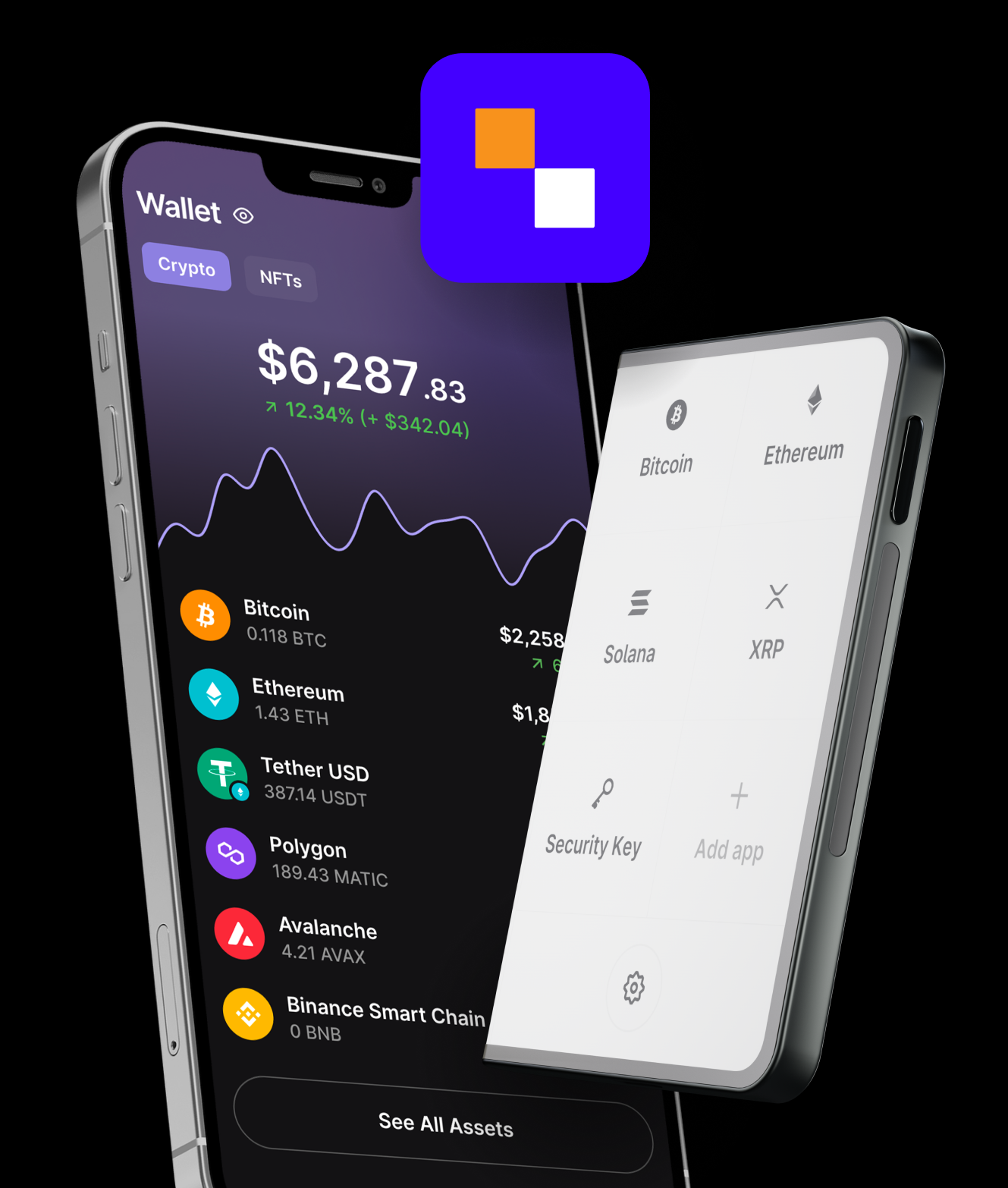
What the SafePal crypto wallet app actually is
SafePal is a self-custody crypto wallet that comes in three flavours: a mobile app, a browser extension, and a separate hardware (cold) wallet device. They share the same core idea — you control the keys — but they make different trade-offs between convenience and security.
SafePal launched in 2018 and is one of the more widely used multi-chain wallets, with the company reporting tens of millions of users across its product line on its official site. It's known for two things in particular: very broad blockchain coverage, and being one of the few mainstream wallets that ships an air-gapped hardware device — one that never physically connects to a phone or computer, signing transactions through scanned QR codes instead.
For most readers landing here, "the SafePal app" means the free mobile wallet. It lets you create a wallet in a couple of minutes, hold assets across Bitcoin, Ethereum, BNB Smart Chain, Solana and dozens of other chains, swap between tokens, and connect to decentralised apps (DApps). Everything we describe below applies to that app unless we say otherwise.
The three SafePal products, and who each is for
| Product | Best for | Where keys live | Cost |
|---|---|---|---|
| SafePal App (iOS / Android) | Everyday mobile use, DeFi, swaps, NFTs | Encrypted on your phone | Free |
| SafePal Extension (browser) | Desktop DApp and dApp interaction | Encrypted in the browser | Free |
| SafePal S1 / X1 Hardware | Larger balances, long-term HODLing | Offline, on the air-gapped device | Paid device |
A common and sensible setup: use the free app for day-to-day amounts and DApp access, and pair it with the hardware wallet for the savings you're not willing to lose. The app can act as the "watch and broadcast" layer while the hardware device holds the keys and signs offline.
Security & privacy: what to actually check
Marketing pages love the word "bank-grade." Ignore it. Here is what genuinely matters when you judge a wallet, and how SafePal lines up.
Where the keys are generated and stored
In the SafePal app, your keys and recovery phrase are generated on your device and stored locally in encrypted form — not on a SafePal server. That's the correct model for a non-custodial wallet. The air-gapped hardware device goes a step further: keys are generated and never leave the device, and it has no Wi-Fi, Bluetooth or USB data connection at all.
High-risk reminder: Your 12/24-word recovery phrase is your money. Anyone who reads it can drain every chain in your wallet. Never type it into a website, never store it as a photo or cloud note, and never share it with "support." Real support will never ask for it.
Open-source status & audits
No wallet is perfectly transparent, and you should be sceptical of any that claims to be. SafePal publishes security information and audit references on its official site and has worked with third-party auditors; the hardware device carries an EAL5+ secure-element certification per the company's documentation. We link to the source rather than asking you to take our word for it — verify current audit status on safepal.com before trusting large sums to any version.
Data collection
Because the app is self-custody, you don't hand over an email or pass KYC just to create a wallet. That's a real privacy win versus an exchange. As with any app, network requests (for prices, balances, RPC calls) can expose metadata such as your IP to node providers — using your own RPC endpoints or a VPN tightens that if you care about it.
Fees & network support — read this before you send anything
SafePal itself does not charge you to hold assets or to receive them. Two costs do apply, and confusing them is how people lose money:
- Network (gas) fees — paid to the blockchain, not to SafePal. On Ethereum these can spike to tens of dollars at busy times; on BNB Smart Chain, Polygon or Solana they're typically cents.
- Swap / in-app service fees — when you swap tokens through the built-in aggregator, a small spread or service fee may apply on top of gas. Always check the quoted total before confirming.
The single most expensive mistake in crypto: sending tokens on the wrong network. USDT on Ethereum (ERC-20) and USDT on Tron (TRC-20) or BNB Chain (BEP-20) are different addresses on different chains. Send to a mismatched network and the funds can be unrecoverable. The sending network and the receiving network must match — every time.
We cover this in foolproof detail in our BNB Smart Chain wallet guide, including how to read network labels before you hit send.
Honest pros and cons — no referral spin
👍 Where SafePal is strong
- True self-custody — your keys, no KYC to start
- Very broad multi-chain support out of the box
- Air-gapped hardware option with a secure element
- Built-in swaps, DApp browser and NFT support
- Free software wallet on iOS, Android and browser
👎 Where you should be careful
- No recovery if you lose the phrase — full stop
- In-app swap rates aren't always the cheapest route
- Mobile-first UI can feel busy for absolute beginners
- Hardware device is an extra purchase
- DApp connections expand your attack surface — approve carefully
If the cons around self-custody feel intimidating right now, that's normal and honest — it's a skill you build. Many people start with a guided, beginner-friendly wallet to learn the ropes, then graduate to full self-custody. If that's you, a managed option like CEX.IO Wallet is a reasonable on-ramp while you read through these guides.